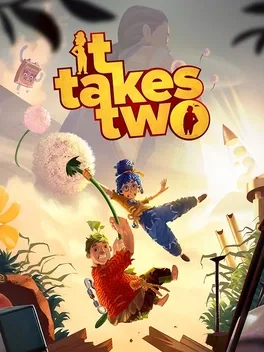
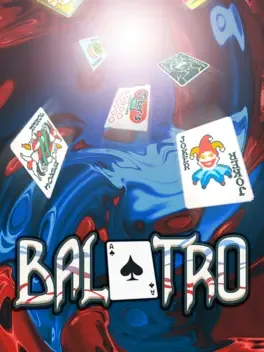
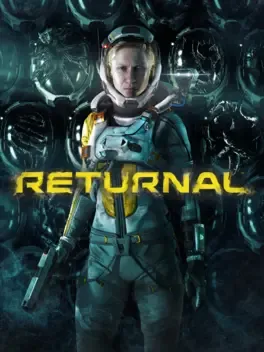
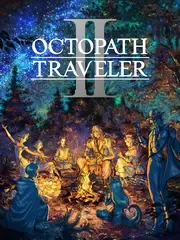
One line finds any game: whether you started it, how long it takes, what it plays on. Save the line, and it becomes a shelf of its own.
Example shelfAll 61 games
Try
Copies
One game. Every copy.
On disc years ago, again in a sale, once more for the Switch? It stands on your shelf once, with every copy you own in the case it came in. On a PC, it says which store yours is from, and every game's page links to the stores that sell it.
Open a game and keep browsing: on a wide screen, your searchable library stays beside its page.
PC · DigitalSwitch · PhysicalPS3 · Physical
Your copies3
3
On your shelf1
One box, 3 copies in it
Adding
Add a game in seconds. Or a hundred.
Type a few letters and pick it by its cover. Or paste a whole list, a game on each line, and check the matches. Covers, years and lengths come with every game.
One game
zeldazelda
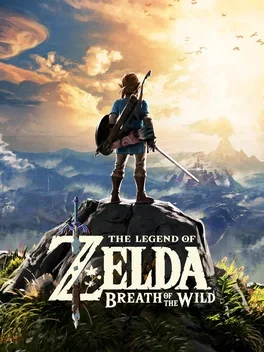
The Legend of Zelda: Breath of the Wild2017 · SwitchAdded
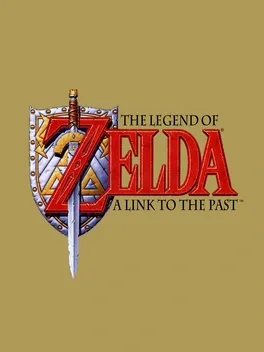
The Legend of Zelda: A Link to the Past1991 · SNES
The Legend of Zelda: The Wind Waker2002 · GameCube
A pasted list
Hades
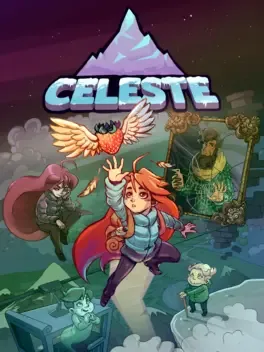
Celeste
Outer Wilds
Disco Elysium
Inside
Hades matched
Celeste matched
Outer Wilds matched
Disco Elysium matched
Inside matched
Steam and Nintendo
Bring your Steam and Switch games with you.
Sign in through Steam, and every game you own there lands on your shelf with your hours and achievements. Link Nintendo, and the games you played on a Switch or a Switch 2 come too, once you say cartridge or download. Both keep in step by themselves once a day, and a game already on your shelf gains a copy, never a second box. PlayStation and Xbox come next.
New games wait, unsorted, on one page where you rate them and say where each stands, one tap at a time or many at once.
Steam and Nintendo, syncing
Hollow KnightPC · Steam43 h
HadesPC · Steam67 h
Elden RingPC · Steam101 h
Half-Life 2PC · Steam21 h
The Legend of Zelda: Breath of the WildSwitch · Nintendo · cartridge149 h
Animal Crossing: New HorizonsSwitch · Nintendo · cartridge126 h
41 games on your shelfAgain tomorrow, by itself
Views
Shelf, wall, list or banners.
Walk it as a shelf, scan it as a wall of covers, sort it as a list of numbers, or browse it in wide banners, as a store does.
Colors
Paint the room your way.
Lights on or lights off. Eleven colorways, vivid or pastel, or three colors of your own, kept readable either way. Pure black for OLED screens, and a room that can take the colors of the game you’re looking at.
Lights off
Lights on
Lights off
Lights on
Lights off
Lights on
Lights off
Lights on
Lights off
Lights on
Lights off
Lights on
Lights off
Lights on
Lights off
Lights on
Lights off
Lights on
Lights off
Lights on
Lights off
Lights on
A closer look
See what you’ll play.
Open a game for its scores, trailers and screenshots, with the full description below. Keep your copies, hours and notes beside it. Try the screenshots from the example shelf.
Hollow Knight
Shelf for Windows
Press Play on your shelf.
Shelf for Windows puts your shelf in a window of its own on your PC, and starts your games from it.
Play any game from its file, or through Steam
Hours counted while you play, added up across every PC
Saves backed up when you stop, and carried between PCs through a folder, OneDrive or Google Drive
Free · Windows 10 and 11, 64-bit · About 3 MB · Updates itself
LibraryTrophiesUpdate
Hades
PC · Steam · 67 hours played
PlaySavesOneDrive · 2 h ago
Ready to play
Progress
See how far you got.
Mark a game finished and it goes up on your trophy wall, under its own light, in the year you finished it. Above it: how many, how many hours, and what you made of them. Steam’s achievements add up there too, the rarest kept in a vault, with your backlog, your taste and a card of your year to share.
Games finished
32
In 2026
10
Hours played
1,955
Average rating
8.7out of 10
202610 games
Slay the Spire
Finished Sep 27
GoldenEye 007
Finished Sep 19
Elden Ring
Finished Sep 14
Tetris Effect: Connected
Finished Sep 9
Super Mario Galaxy
Finished Aug 28
Burnout 3: Takedown
Finished Aug 23
Astro Bot
Finished Jun 22
The Legend of Zelda: Breath of the Wild
Finished Jun 17
Cuphead
Finished May 4
Returnal
Finished Apr 5
What’s next
Choose your next game, two at a time.
Put up to sixteen games from your backlog in a bracket, or draw them at random. Each duel sets two side by side: how long each takes to beat, how IGDB rates it, how long it has waited. Choose one, and the bracket narrows until one is left to start.
Quarterfinals
Duel 3 of 4
Outer Wilds goes on to the semifinals.
Hades II goes on to the semifinals.
Games in each round
8Quarters
4Semis
2Final
1Next game
Privacy
Yours to show, or to keep.
You choose when you sign up, and can change it any time.
Public
Anyone can look, and search engines can list it. Nobody but you can change a thing.
/u/your-name
Private
Only you can see it: not other people, not search engines.
Notes you write about a game stay private, on a public shelf too, unless you mark them public. And any one game can be yours alone: on a public shelf, nobody else sees it.
AI assistants
Ask your assistant what to play.
Connect Claude, or another AI assistant that supports MCP, to your shelf. It reads your games and answers from them, and adds the ones you tell it about.
Example conversation
Something short I haven't started, that I can play on the Switch?
Reading your shelf
3 games on your shelf fit:
Mario Kart 8 DeluxeSwitch · about 9 hours
Kirby and the Forgotten LandSwitch · about 9 hours
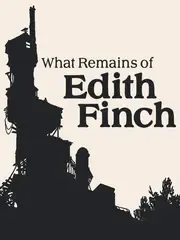
What Remains of Edith FinchSwitch · about 3 hours
Getting started
Ready in a minute.
Sign up, and Shelf walks you through the rest. Any step can wait.
1
Create your shelf
A name, an address of your own, and whether anyone else can see it.
2
Bring your games
Link Steam or Nintendo, or paste a list of titles. Covers, years and lengths come with each.
3
Make it yours
Pick your colors, give each game a status, and find the next one to play.
Your shelf0
Your shelf is waiting.
Free, and ready in a minute. Bring every game you own.
Yes. Making a shelf and keeping your games on it costs nothing.
Where does the information about games come from?
From IGDB.com: titles, release dates, and how long games take to finish. Covers, screenshots and descriptions come from Steam's store for a game sold there, and from IGDB.com for the rest. What is yours you add: where you own a game, how far you got, what you thought of it.
Can it bring in the games I already own?
From Steam and Nintendo, yes: link them right after signing up, or later in Settings. Every game you own on Steam comes onto your shelf with its hours and achievements; from Nintendo, every game you played on a Switch or a Switch 2, once you say whether each is a cartridge or a download. Both sync again once a day. New games come in unsorted, and one page lets you rate them, give each a status, and put right one taken for the wrong game. PlayStation and Xbox are next. Until then, paste a list of titles, one a line.
Can Shelf help me choose what to play next?
Yes: the duel. Put up to sixteen games from your backlog in a bracket, or draw them at random, and choose between two at a time. Each duel sets them side by side: how long each takes to beat, how IGDB rates it, how long it has waited and how far you got. The one left can go straight to Playing.
Is there an app for my computer?
Yes: Shelf for Windows, free, for Windows 10 and 11. It opens your shelf in a window of its own, starts your games from it, from their file or through Steam, counts your hours while you play, and backs up your saves. It updates itself. For now it is for Windows only.
Why does Windows warn me about the installer?
The installer isn’t signed with a paid certificate, so Windows SmartScreen may say it doesn’t recognize it. Choose More info, then Run anyway; it asks only once. Every installer is published on the releases page of Shelf’s public repository on GitHub, and every update after it is signed and checked by the app before it installs.
How does Shelf count my hours?
You can’t type them in: they come from where you played. Steam and Nintendo report theirs, and PlayStation and Xbox will once they are linked. On a PC, Shelf for Windows counts a game while it is in front of you and you are using it, whether you opened it from Shelf or from Steam. Hours from every computer with Shelf for Windows add up. After 5 minutes with no key, mouse or controller touched, that stretch doesn’t count: that is time away, or AFK. When Steam and Shelf count the same play, the larger of the two shows, never both added together.
Can I change how Shelf looks?
Yes: lights on or off, eleven colorways or three colors of your own, and pure black for OLED screens. You can also let the room take the colors of the game you’re looking at. Each is this device’s choice, in Settings, Appearance.
Do game videos play automatically?
Videos wait for you to press Play. You can turn on muted autoplay on a desktop; Shelf remembers that device’s choice. Phones, reduced motion and data saving keep videos still until pressed. Trailers play through YouTube.
Who can see my shelf?
You choose when you sign up, and can change it any time in Settings. A public shelf is for anyone, and search engines can list it; a private one is for you alone. Notes stay private unless you mark them public, game by game, and any one game can be marked private, so only you see it.
Can I take my games with me?
Your whole library can be read through Shelf's API while you are signed in. A one-click export is planned.